


Set up your DTF artwork using a CMYK profile, this will give the most accurate colour representation from your screen to finished DTF transfer prints

Scale your artwork to the size you are after.

Make sure you use and export your artwork in 300dpi to ensure crisp colours, sharp edges and high quality DTF Prints

Change stroke lines to outlines (Object > Path >Outline Stroke) and text to outlines (Type > Create > Outlines).
Set up your UVDTF artwork using a CMYK profile, this will give the most accurate colour representation from your screen to finished UDTF transfer prints. NOTICE: Dont use fades in your designs as they do no print well in UVDTF.
Scale your artwork to the size you are after.
Make sure you use and export your artwork in 300dpi to ensure crisp colours, sharp edges and high quality UVDTF Prints
Change stroke lines to outlines (Object > Path >Outline Stroke) and text to outlines (Type > Create > Outlines).



1. Design will be printed as a mirror image with white ink on surface. Place garment on heat press and direct to film transfer onto garment with image (right reading) facing up.
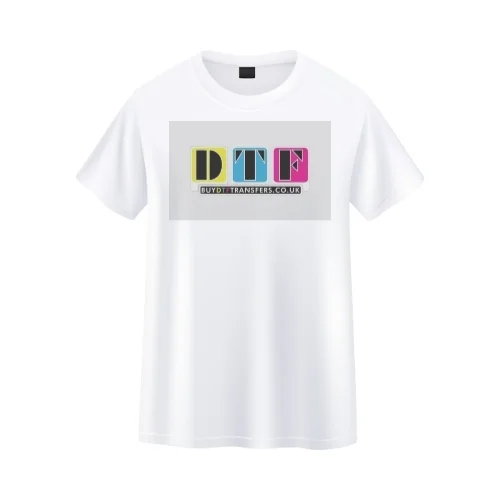
2. Press with firm pressure at: Cotton and polycotton mixfabric - 157°C,13-15 Seconds 100% Polyster, Nylon, Spandex fabric - 130°C,8-10 Seconds. Press firmly - 55-70psi depending on fabric type.
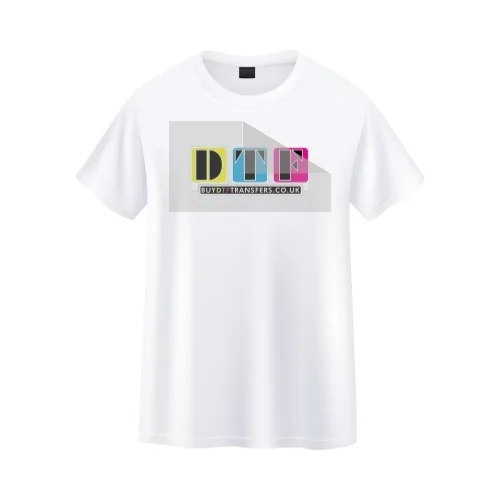
3. After pressing - let it cool down for 3-5 seconds and peel the film back from corner in one quick moment (whip it).
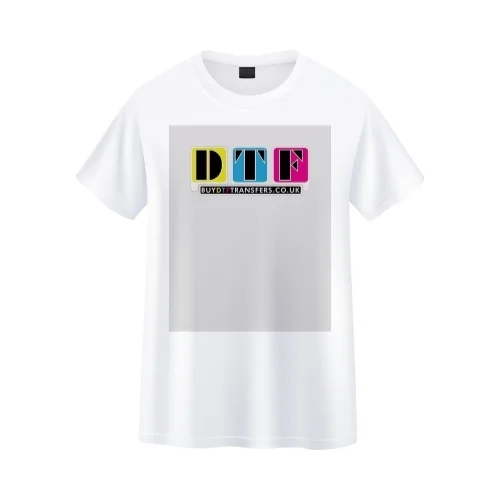
4.This is important! Post-Press for 5-8 Seconds. Use a teflon sheet or parchment paper to seal the edges of your DTF Print for the most durability and best finish.

Use rubbing alcohol or a surface cleaner to remove any dust, oil, or residue. UV DTF transfers adhere best to clean, dry, smooth surfaces. If you don’t have rubbing alcohol or a surface cleaner, at least use a microfiber cloth to wipe the area beforehand. 💡 Tip: Avoid glass cleaners with added ammonia.
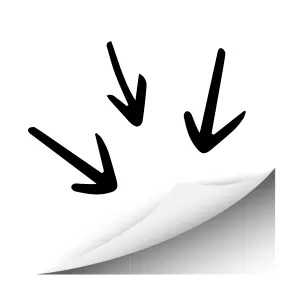
Gently peel off the backing sheet — this will expose the adhesive side of the transfer. ⚠️ Be careful not to touch the sticky side with your fingers. Oils from your hands can affect adhesion.

Line up your transfer on the object exactly where you want it. Once it touches the surface, it may be hard to reposition, so take your time! 🧰 Use masking tape as a hinge if you need help aligning it.
Use a squeegee, scraper, or credit card to press down the design, removing any bubbles. Work from the centre out toward the edges.